At a glance
- What it is: An ASUS Wi-Fi 7 router search measured against the Wi-Fi Alliance’s official Wi-Fi 7 documentation, which names no ASUS model.
- What’s new: The Wi-Fi 7 documentation describes access points coordinating instead of competing for spectrum, plus OFDMA channel sharing for lower latency.
- Who it is for: Shoppers trying to tell a real ASUS spec sheet from general Wi-Fi 7 marketing language.
Does an ASUS Wi-Fi 7 router give you something useful, or just another badge on the box? Short answer: the Wi-Fi Alliance’s Wi-Fi 7 documentation explains the technology clearly, but it never names an ASUS model, so it cannot verify one. If you typed “wifi 7 router asus” into a search bar, that distinction is the whole game. A description of a technology is not a spec sheet for the router you would actually carry home.
Everything here is based on specs and documentation, not on testing the hardware. No measured speeds, no coverage maps, no U.S. prices, no retailer listings, and no model-specific ASUS documents are part of the official material reviewed. That narrows the question (and, honestly, improves it): what can the official Wi-Fi 7 documentation tell you, and what do you still have to check before you spend a dollar?
Spec Teardown
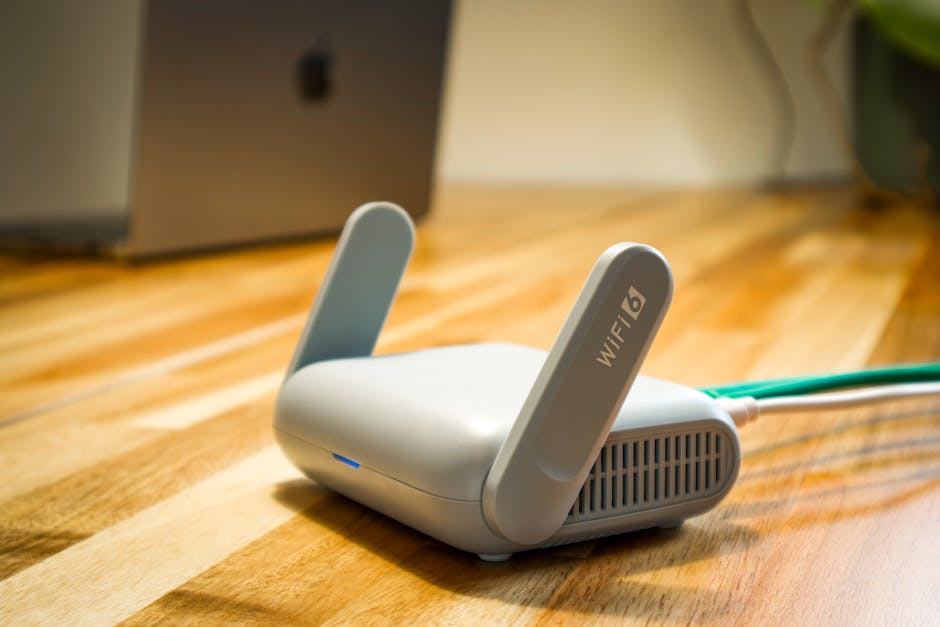
Here is the full numeric footing in the Wi-Fi Alliance material. Several of these figures are industry context, not router specifications. Treating them as interchangeable is exactly the marketing fog this column exists to clear.
| Item in the official documentation | Figures or numbers stated | What that figure actually establishes |
|---|---|---|
| Wi-Fi generation documented | Wi-Fi 7 | The page covers the generation; it names no ASUS model. |
| Chipset shipment context | 6 GHz; 2026 | The documentation refers to 6 GHz chipset shipments in 2026, which is industry context, not availability of a particular U.S. router. |
| Generations in that shipment line | Wi-Fi 6E; tri-band Wi-Fi 7 | Categories of chipsets, not a feature list for an ASUS product. |
| WiGig frequency band | 60 GHz | Assigned to WiGig in the documentation; not stated for any ASUS Wi-Fi 7 router. |
| WiGig introduction | 2016 | Dates WiGig; it is not an ASUS release date. |
| WiGig use cases named | None (descriptive only) | Virtual reality, multimedia streaming, gaming, wireless docking, and enterprise applications, per the documentation. |
That last point matters more than it looks. The Wi-Fi Alliance page mentions WiGig, its uncongested 60 GHz band, and a 2016 introduction. None of that turns 60 GHz into a confirmed band on whatever ASUS router shows up in your search results. Likewise, the reference to 6 GHz chipset shipments in 2026 covering Wi-Fi 6E and tri-band Wi-Fi 7 is market context, not proof that a specific ASUS model has a particular radio layout. Numbers look authoritative in a product comparison. They still need the right product attached to them.
What the Wi-Fi 7 terms actually explain
The documentation says smarter coordination lets access points collaborate instead of competing for spectrum, which provides higher capacity in dense deployments. It also says orthogonal frequency division multiple access, or OFDMA, effectively shares channels to increase network efficiency and lower latency. Both are descriptions of how the wireless technology operates. Neither tells you how an ASUS router will behave in your house, what a given ASUS listing includes, or whether your laptop and phone can use a particular feature at all.
That is the practical answer to “what wi fi router” in this context: a router listing needs its own specifications. The Wi-Fi Alliance material hands you vocabulary for reading those specifications; it cannot fill in blanks on a model page. Do not promote a general explanation of coordinated access points into a promise about coverage in your back bedroom. Do not turn “lower latency” in a technology description into a gaming result for hardware nobody has measured here. (Marketing copy does this constantly. You do not have to.)
If you are deciding what wifi router to buy, find the exact ASUS model the seller names and read that model’s official specifications before comparing anything. Then separate the listing’s claims from the broader Alliance language. A U.S. retailer page, your carrier’s gateway requirements, or an FCC label on the unit may matter to your purchase, but the official material reviewed here documents none of those for an ASUS router. There is no honest shortcut around the missing details.
The reading order is simple: identify the model, inspect its official specifications, match the claims against the Alliance description, then write down what is still unanswered. That keeps a broad “Wi-Fi 7” sticker from doing the job of an actual product sheet.
Confirmed vs. unknown: the caveats in one table
Scattered caveats make for bad shopping decisions. Here they are in one place, held to what the official documentation actually says.
| What the specs confirm | What the specs don’t tell you |
|---|---|
| Wi-Fi 7 documentation describes access points collaborating rather than competing for spectrum, for higher capacity in dense deployments. | Whether a named ASUS router supports or uses that behavior in your setup. |
| The documentation describes OFDMA as sharing channels to increase efficiency and lower latency. | Any measured latency or throughput for an ASUS router, your devices, or a U.S. home. |
| WiGig uses the 60 GHz band and was introduced in 2016, with uses such as VR, streaming, gaming, and wireless docking. | Whether any ASUS Wi-Fi 7 router in your search supports WiGig. |
| The documentation notes 6 GHz chipset shipments in 2026 involving Wi-Fi 6E and tri-band Wi-Fi 7. | The band configuration, availability, or USD price of a particular ASUS model. |
This table is not a complaint about Wi-Fi 7. It is a fence around the evidence. A technology page can explain why coordination or channel sharing matters without serving as a review of a finished router. For this search, model identification is the missing link between interesting wireless terminology and a buying decision.
How to read Wi-Fi 7 router reviews
Start by checking which device a review actually covers. “ASUS Wi-Fi 7 router” is too broad to transfer a conclusion from one product to another, and the official documentation reviewed here names no product to match against a review. Next, ask whether each statement is a documented feature, a reported measurement, or an inference from a Wi-Fi term. Those are three different kinds of evidence (even when they sit in the same breathless paragraph).
Coverage and latency claims deserve extra suspicion. The Alliance documentation explains an efficiency and latency benefit for OFDMA and a capacity benefit for coordinated access points in dense deployments. It supplies no measurements for a specific router or floor plan. A review might present its own measurements, but nothing here validates or repeats them, so read any review on its own stated conditions rather than treating the Wi-Fi 7 label as its test result.
Also watch for the quiet switch from “tri-band Wi-Fi 7” in the chipset-shipment line to “this ASUS router is tri-band.” The documentation does not support that jump. Same with WiGig: the 60 GHz mention is about WiGig, not evidence of a feature in a router you found on a retail page. A good spec comparison keeps the subject of every claim in view, and a good reviewer tells you when the subject changes.
Keep / Skip / Wait
The official Wi-Fi 7 material is useful for understanding the technology and useless for confirming a specific ASUS box. Until the exact model and its spec sheet are on the table, there is nothing to judge.
Verdict: Wait — the official documentation does not identify an ASUS model or supply the model-level specs a buying call requires.
FAQ
What is an ASUS Wi-Fi 7 router, based on the official documentation?
In this search it is an ASUS router associated with Wi-Fi 7, not a uniquely identified product. The Wi-Fi Alliance documentation discusses wireless concepts, including access-point coordination and OFDMA, but supplies no ASUS model name. To assess a listing, first pin down its exact model and official specifications. Otherwise a general account of the technology gets mistaken for that device’s feature list.
What is wifi router ip address, and does this documentation give it?
No router IP address appears in the Wi-Fi Alliance material. It does not provide an ASUS setup address, an address printed on a device, or instructions for finding one on your network. Use the documentation for your exact router model for setup details rather than guessing from a technology page. The address question is about reaching a device on your network; the Alliance page is about wireless technologies, so it cannot settle that question.
What is wifi router extender compared with the access points mentioned here?
The documentation discusses access points collaborating in dense deployments; it does not define a router extender or describe an ASUS extender setup. Its access-point statement cannot confirm how a specific extender would connect, what it would support, or how it would change your coverage. If an extender is part of your plan, identify the actual devices and read their own documentation. Similar-sounding network terms are not interchangeable specifications.
Can the Wi-Fi Alliance documentation tell me which ASUS router to buy?
No. It provides useful language for questioning product claims, but not a model comparison, a USD price, a retailer listing, or a performance result. Use the exact ASUS model’s official documentation to establish what the hardware includes, and keep the unanswered questions open until it does. The takeaway is modest but solid: Wi-Fi 7 terminology helps you read a spec sheet. It cannot replace one.
Related on Longview Desk
This article was written by the site’s author with the assistance of AI tools, and reviewed before publication.